Networking
Jul 7, 2026
7 min read
If you compare a current Cisco access point against a current Aruba access point on radio specification, you will find very little to separate them. Both ship competent Wi-Fi 6 and Wi-Fi 6E hardware, both handle dense environments, both do the things a modern wireless network is expected to do. Choosing on radio specification is choosing on the least differentiated part of the decision.
What you actually pick between is management model, licensing, and how the network will be operated once the installers have left.
Three management models, not two vendors
There are really three shapes on the table. Controller-based: a physical or virtual controller runs the wireless LAN, and access points depend on it. Cloud-managed: the control plane is a service, and you administer from a browser wherever you are. And controller-less for small sites, where the access points elect among themselves and there is nothing else to buy.
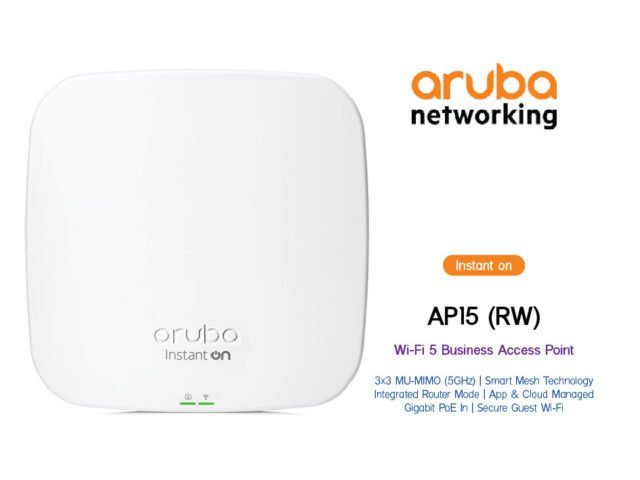
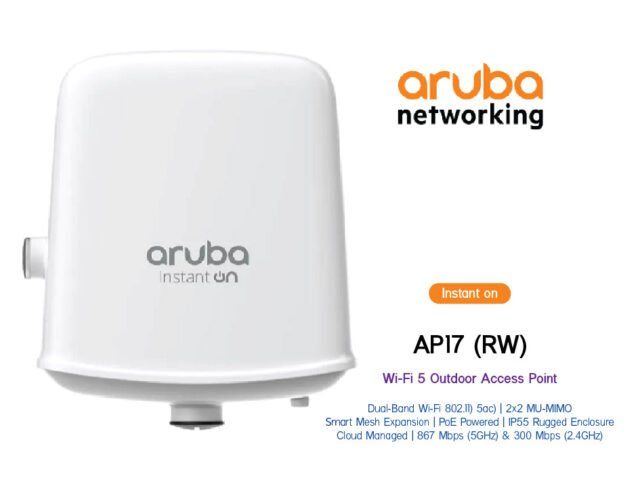
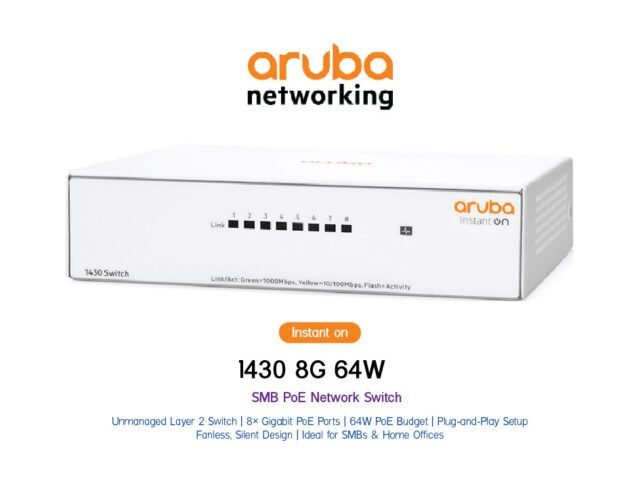
Both vendors offer the first two. For the third, Aruba Instant On is the well-known answer — access points that form their own cluster, managed from a phone app, with no controller and no subscription to keep them running. For a small office, a clinic, a retail unit or a branch, that is often exactly right, and the absence of a licensing conversation is a feature.
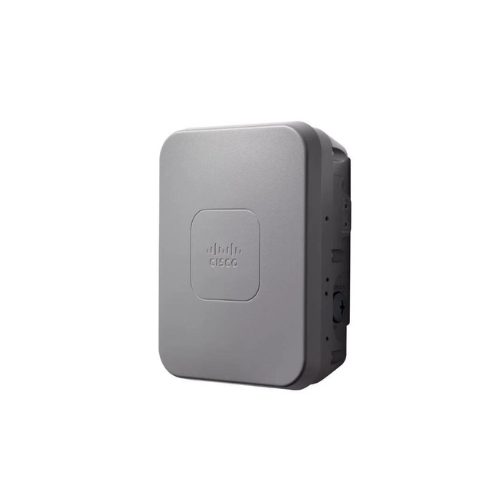
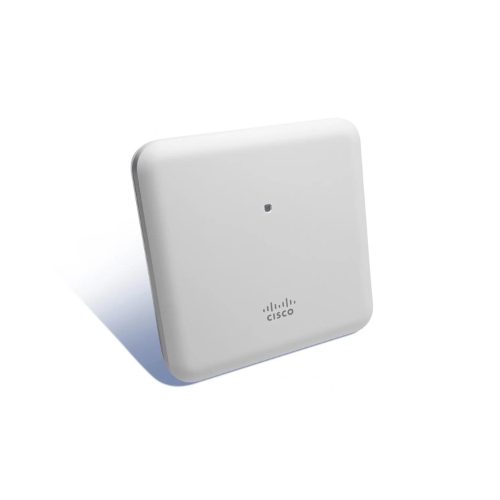
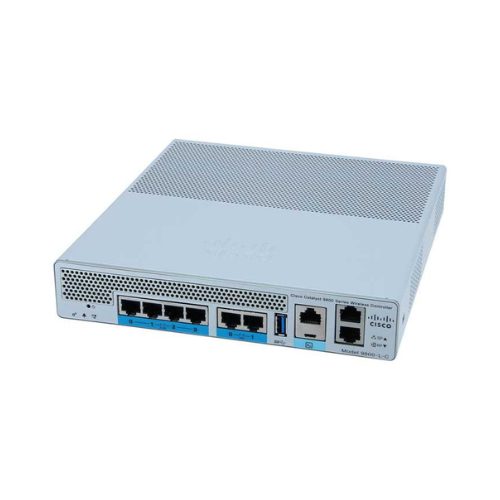
Cisco leans toward cloud-managed or controller-based deployments with a licensing model attached. In a larger estate with a network team and existing Cisco infrastructure, that model gives you consistency and depth. In a ten-access-point office, it is more machinery than the problem needs.
Licensing is where the five-year cost hides
Ask one question of any wireless quote: what happens when the subscription lapses? The answers vary from "nothing, it keeps working with reduced features" to "management stops". That single answer changes the risk profile of the whole deployment, and it is rarely volunteered.
Then normalise the comparison over five years including licence renewals. A cheaper access point with a mandatory per-AP subscription can cost more than a dearer one without, and the reverse is also true. The hardware line is the part of the quote least worth arguing about.
Site survey beats vendor choice
This is the part that actually determines whether users are happy, and it gets the least attention. Access point placement, channel planning, and cabling and power are the variables that decide performance. A well-surveyed Aruba deployment outperforms a badly placed Cisco one, and vice versa, by margins far larger than anything in the datasheets.
Two specifics worth insisting on. Power: high-draw multi-radio access points need the right PoE class, and a switch whose per-port and total budget covers them under load rather than at idle. Cabling: if you are pulling new cable, pull for the generation after next, because the cable outlives several access point refreshes and re-pulling a ceiling is the expensive part.
Wi-Fi 6E and Wi-Fi 7: when it is worth it
The 6 GHz band is genuinely useful because older devices cannot contend for it, which is what makes it valuable in dense offices where 5 GHz is already crowded. But it is only useful if your client devices support it, and the honest question is what fraction of your laptops and phones do today.
For a new build, specify the newer generation — the incremental cost is small and the installation is the expensive part. For a refresh of an existing floor with an older device population, the money is often better spent on getting placement and cabling right at the current generation.
How we would frame the decision
Small self-contained site, minimal admin, no appetite for licensing: Aruba Instant On. Larger campus with a network team and an existing vendor standard: stay consistent with what that team already runs. Multi-site with central administration and no on-site staff: compare the two cloud offerings specifically on what lapsing does, and on how much of the feature set sits behind which tier.
We supply both. Send a floor plan and a device count and we will tell you what we would actually deploy, including where the cheaper option is the right one.